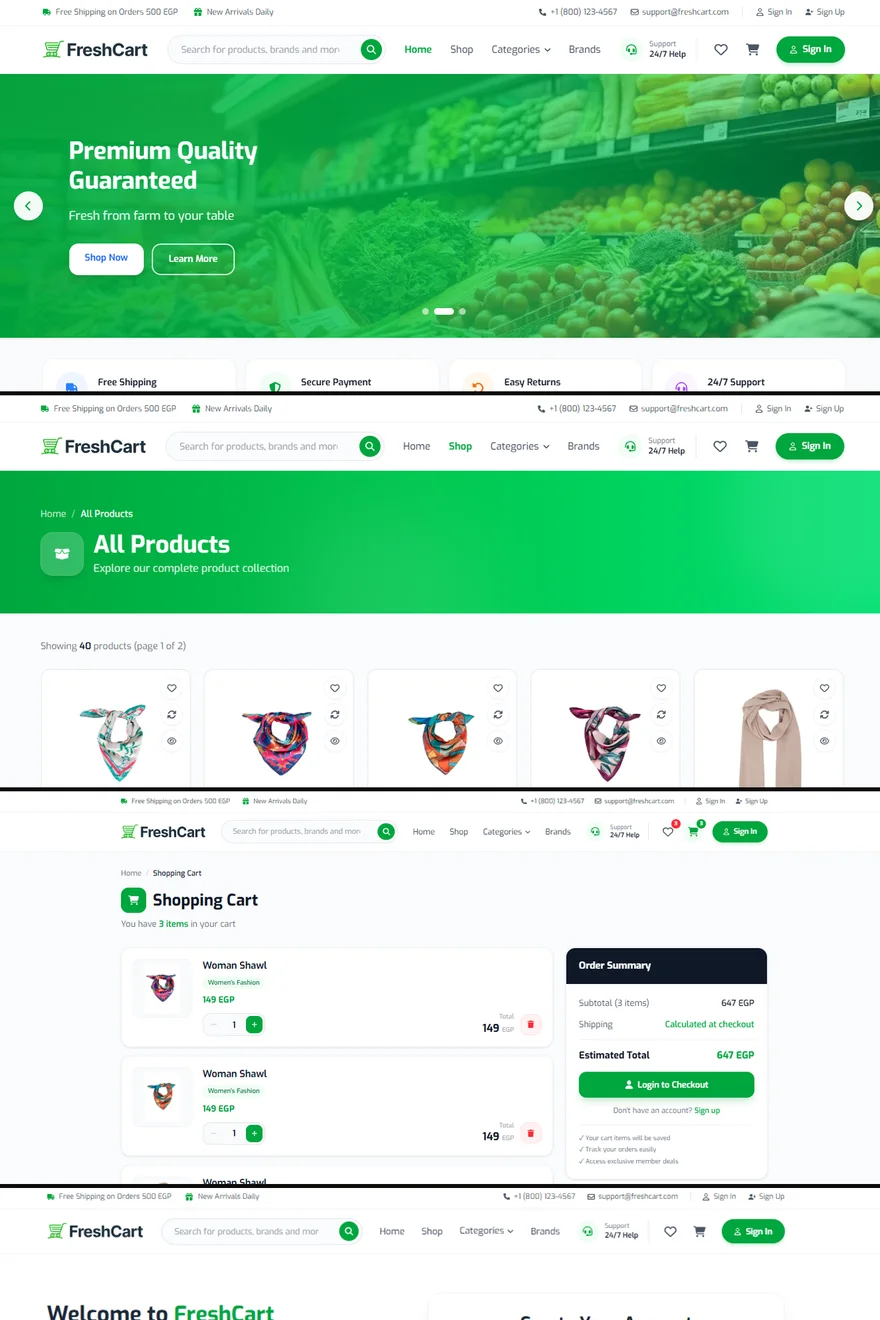

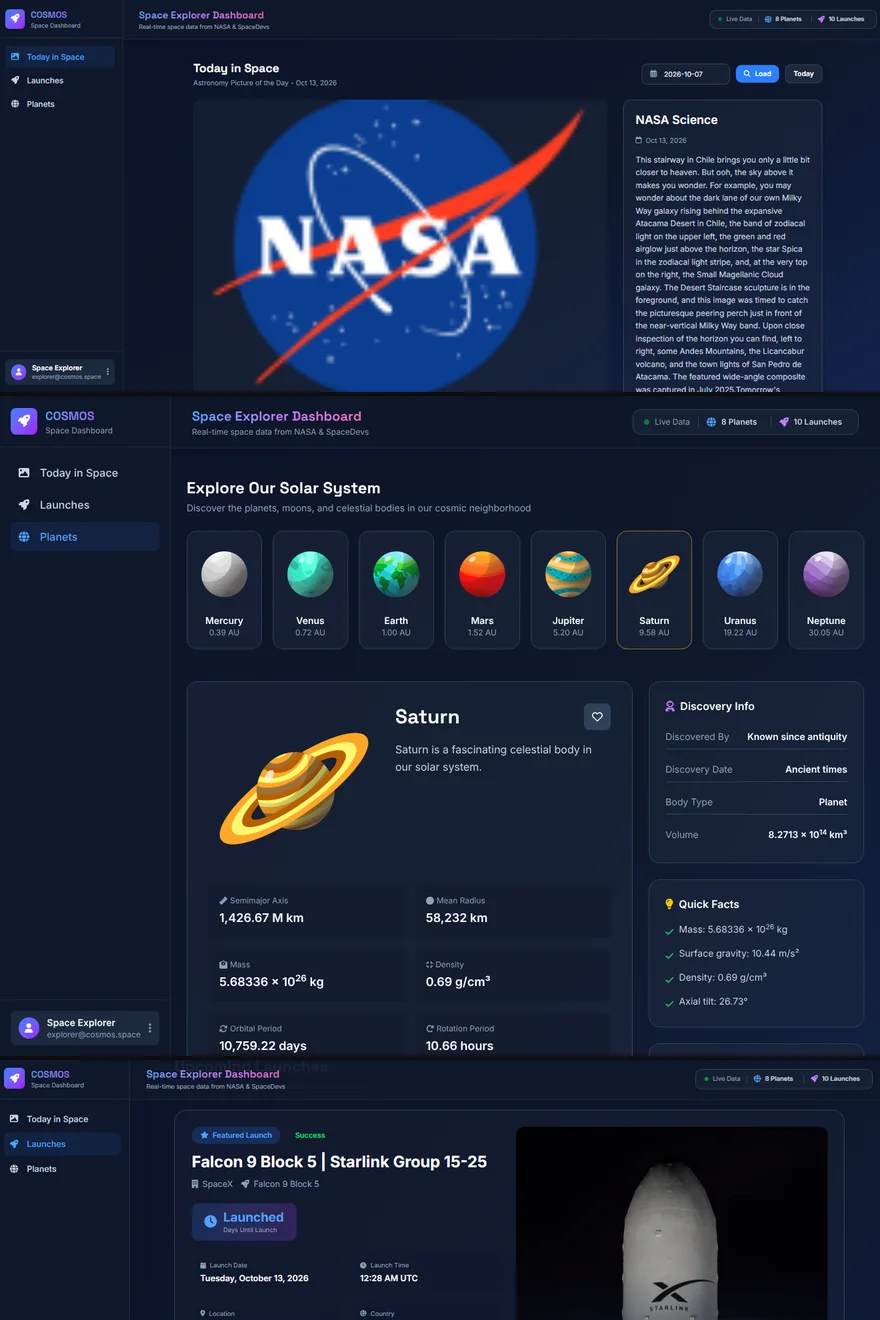
From Figma Design to Live Website: What Happens in Between
A design shows how a website should look. Turning it into one that works on every screen, with real data and real interactions, is a craft of its own.
01 / 04
Reading the design like a blueprint
The first step is not writing code — it's studying the design. A developer looks for the repeating pieces: buttons, cards, form fields, section headers. Each becomes a reusable component, so the same button looks and behaves identically everywhere.
This is also when questions come up: what happens when a product name is very long? What does this page look like with no results? A design usually shows the ideal case; the website has to handle all of them.
02 / 04
Making it responsive
Designs are often drawn at one or two screen sizes, but visitors use hundreds. The developer decides how every section rearranges between them — which columns stack, which images crop, how the menu turns into a mobile menu — so the site looks intentional at every width, not only the ones in the file.
03 / 04
Bringing it to life
Then comes everything a static picture can't show:
- Hover, focus and pressed states for every interactive element.
- Loading states while data arrives, and clear messages when something fails.
- Form validation that explains mistakes in plain words.
- Real data from an API — products, articles, prices — instead of placeholder text.
- Small animations that guide attention without slowing anything down.
04 / 04
Checking before launch
Before going live, the site is compared side by side with the design, tested on real phones and different browsers, and checked for speed. Only then is it deployed — typically to a platform such as Vercel — with a live link you can share the same day.
Keep reading
2026-10-12
What to Prepare Before Hiring a Front-End Developer
You don't need a 20-page document. A handful of clear answers lets a developer understand the job, estimate it honestly and build the right thing the first time.
2026-10-08
React, Next.js or a Simple Website: What Does Your Project Need?
The right technology is the one that fits the job. Here's a plain-language way to tell whether you need a simple website, a React app or a Next.js build.